5 June 2025 · 3 min · Stian Andreassen
Why we can't use the architect's 3D model directly in production

A question we get on a regular basis is: "Can't you just use the 3D model from the architect?"
It would be fantastic if the answer were a clear yes. It would save everyone involved time, work and coordination.
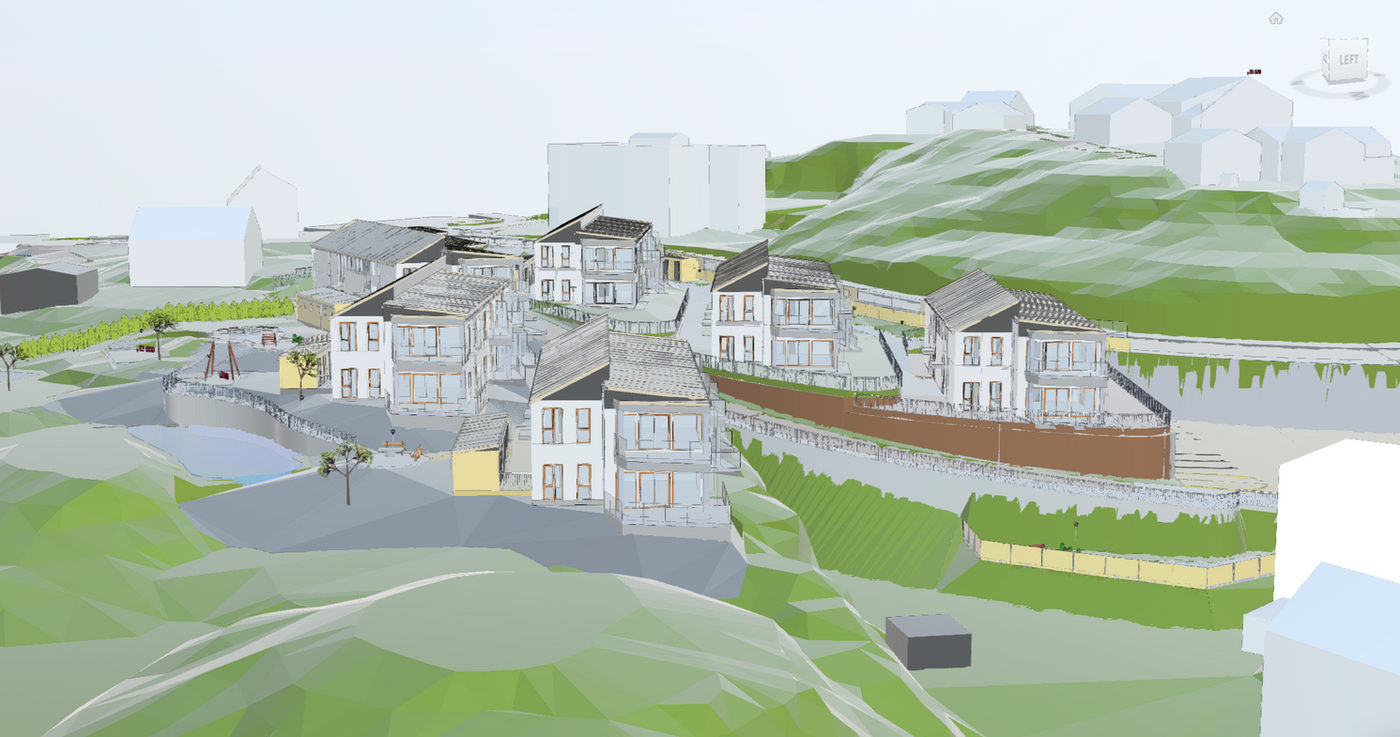
But in practice it's rarely possible.
Architects' models are excellent at what they're meant to do — namely engineering, coordination and technical analysis. Visualization, on the other hand, places different demands on the work, both in terms of level of detail, geometry, texturing and lighting. As a result, we usually end up rebuilding large parts of the model from scratch to achieve the visual quality that marketing requires.
Here are some of the reasons why.
1. Import and export create errors that aren't visible until we start rendering
The architect's models are usually made in software optimized for engineering (for example Revit, Archicad or similar). These programs use different principles for storing geometry than visualization tools do.
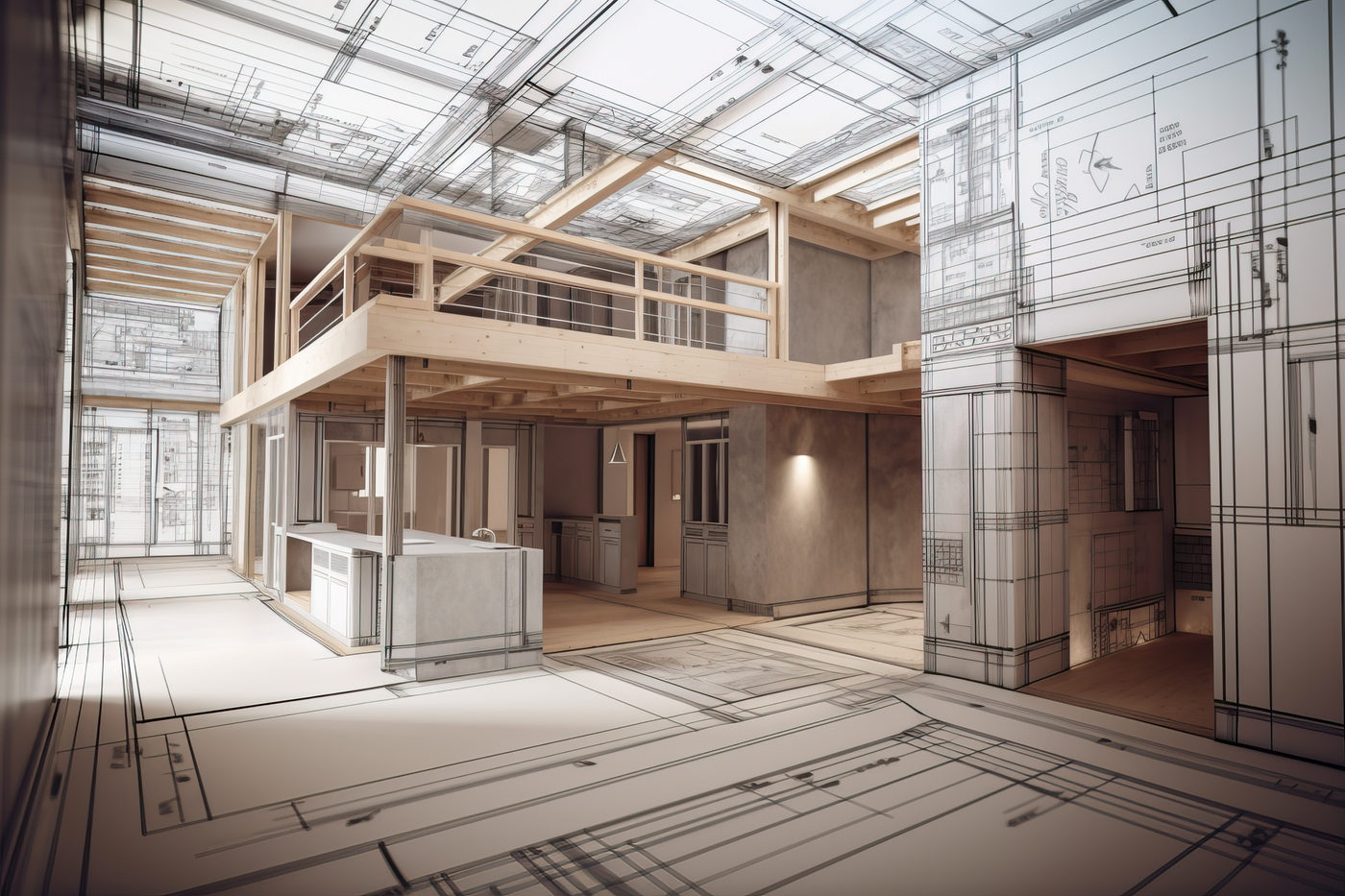
When the model is exported from the architect and imported on our end, you often get:
- holes in the geometry
- overlapping surfaces
- objects that lose their correct position
- elements that come in at the wrong scale
- missing material references
- problems with light-reflecting surfaces
The most challenging part is that many of these errors don't become visible until we run internal test renders. That means we have to spend time on troubleshooting, repairs and rebuilding — work that often takes more time than modeling correctly from the start, using the architect's model as a reference and the DWG as a foundation.
2. Architectural models are "low-poly" — and aren't suited for photorealistic renders
In engineering, file size and system load are critical. Architects typically work with large buildings, many drawing layers and heavy BIM elements. To keep the model responsive, low-poly geometry is often used — that is, models with a low level of detail.
This works perfectly well from an engineering standpoint — but visualization requires the opposite.
To create realistic renders we need:
- a high level of detail (high-poly)
- rounded surfaces
- precise geometry for where light and shadow intersect
- a level of detail on par with real materials
If we use the architectural model directly, the result looks flat and artificial, and the lighting won't behave realistically.
3. Materials and textures aren't visualization-ready
The architect's 3D model often contains material names or simple color codes. They're made to communicate function — not to be visual.
For visualization we need:
- realistic PBR materials
- high-resolution textures
- correct reflection values
- details like gloss, bump and roughness
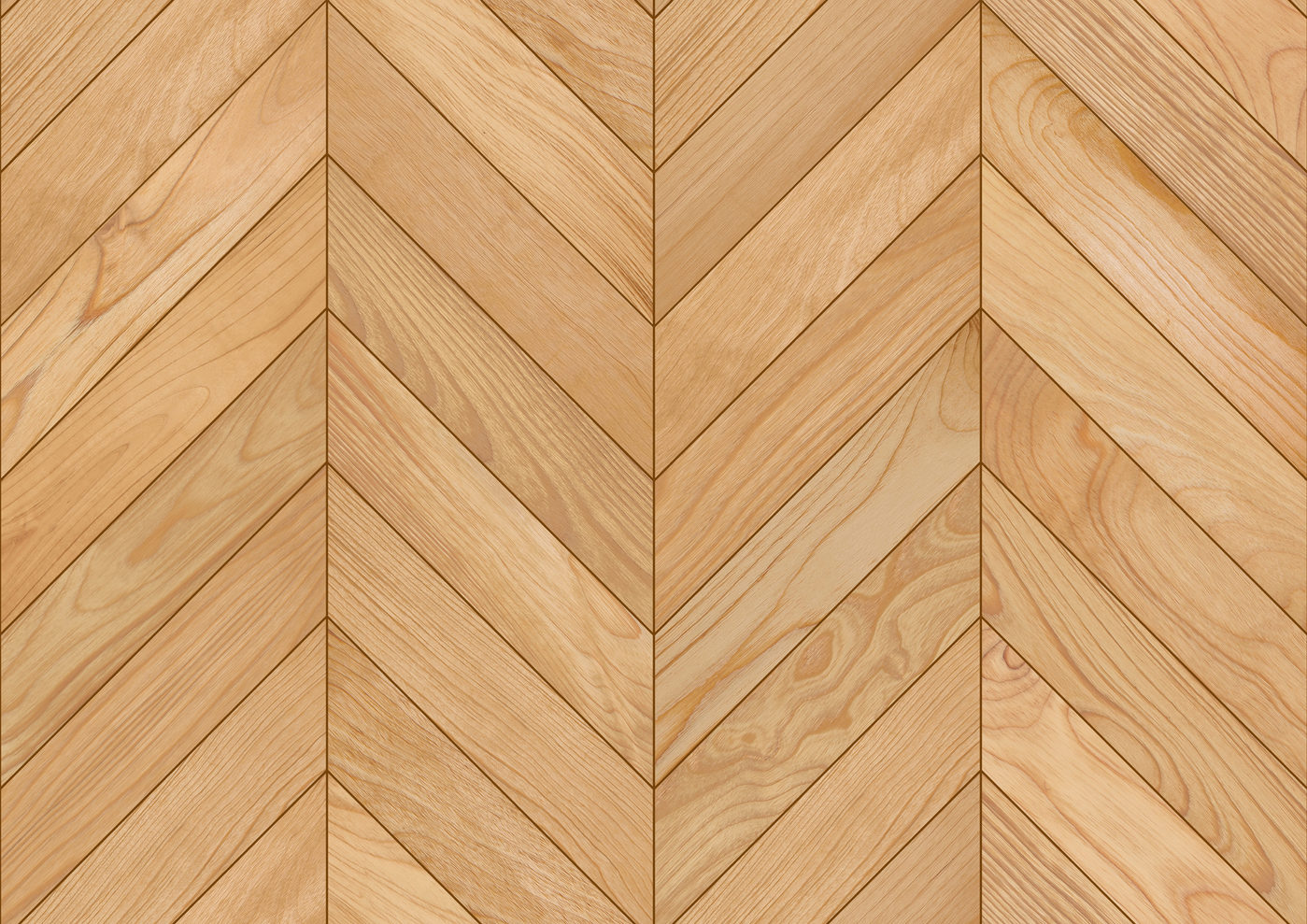
When all of this is missing, we have to do a complete rebuild of the materials anyway — something we need to have full control over.
4. Small inaccuracies become big visual problems
In architectural models, minor geometric deviations can exist without affecting the engineering. In visualization, they become immediately visible.
Examples of typical deviations:
- walls that don't meet at 90 degrees
- floating or overlapping elements
- windows that sit 1–2 mm outside the wall
- double or hidden surfaces that create lighting errors
These conditions aren't mistakes in the architect's work — they're completely normal in technical models. But in visualization they produce unwanted shadows, light leaks or "glitching."
That forces us to clean up, repair and reconstruct — often more time-consuming than rebuilding the model from scratch in a visualization-friendly format.
5. Visualization is about experience — not documentation
Architects produce models for a technical purpose. We produce models for an experiential purpose.
Two different goals require two different kinds of models.
Where the architectural model is about:
- technical documentation
- construction
- clash detection
- placement within BIM
… the visualization model is about:
- atmosphere
- light
- material quality
- emotional experience
- a sense of space
That's why we can't use the same model for both purposes.
6. Our job is to build the architect's 3D model so that it converts — not just renders
A realistic visualization isn't only about showing what the building will look like. It's about creating:
- understanding
- confidence
- interest
To achieve that, we need full control over:
- lighting
- materials
- camera angles
- shadow quality
- level of detail
- the precision of the geometry
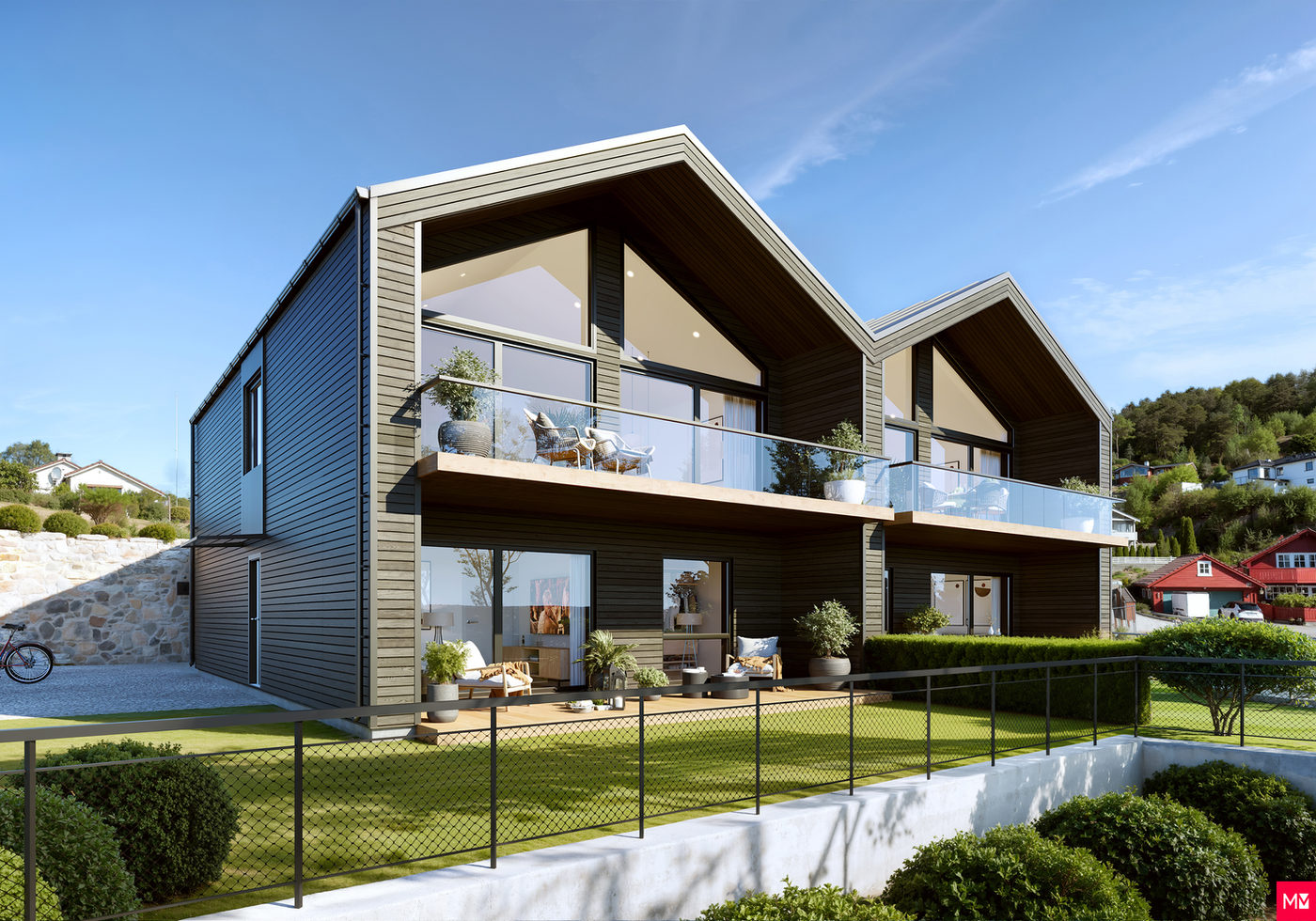
We can't leave this to automated processes that vary from model to model.
The architect's model is an invaluable foundation for our work. It gives us the right measurements, structure and reference points. But it can't be used directly in visualization.
To deliver a result that genuinely represents the project realistically and communicates it in a way that resonates with buyers, we have to build the model the way visualization demands — with a high level of detail, controlled geometry and materials that behave like real materials.
It isn't about doing more work than necessary. It's that quality comes from control, accuracy and a professional process — not shortcuts.
(This post was written by Stian Andreassen. Layout adapted for SEO by AI.)
- Home
- Industry
- Gallery
- Contact
- Blog