12 December 2025 · 3 min · Stian Andreassen
When generative AI works, and why it often doesn't

A technical lesson from architectural visualization
In a short time, generative AI has become a new tool in many creative workflows, including visualization and real estate. The ability to add mood, light and a seasonal feel to finished visualizations is obviously appealing.
At the same time, many run into the same problem:
The images gradually grow softer, lose detail precision and take on a look that feels less photographic - even when the changes are small and controlled.
Based on our own tests at Maestro Media, we have made a few concrete observations that explain why this happens, and how it can largely be kept in check.
Double degeneration: when the quality loss escalates
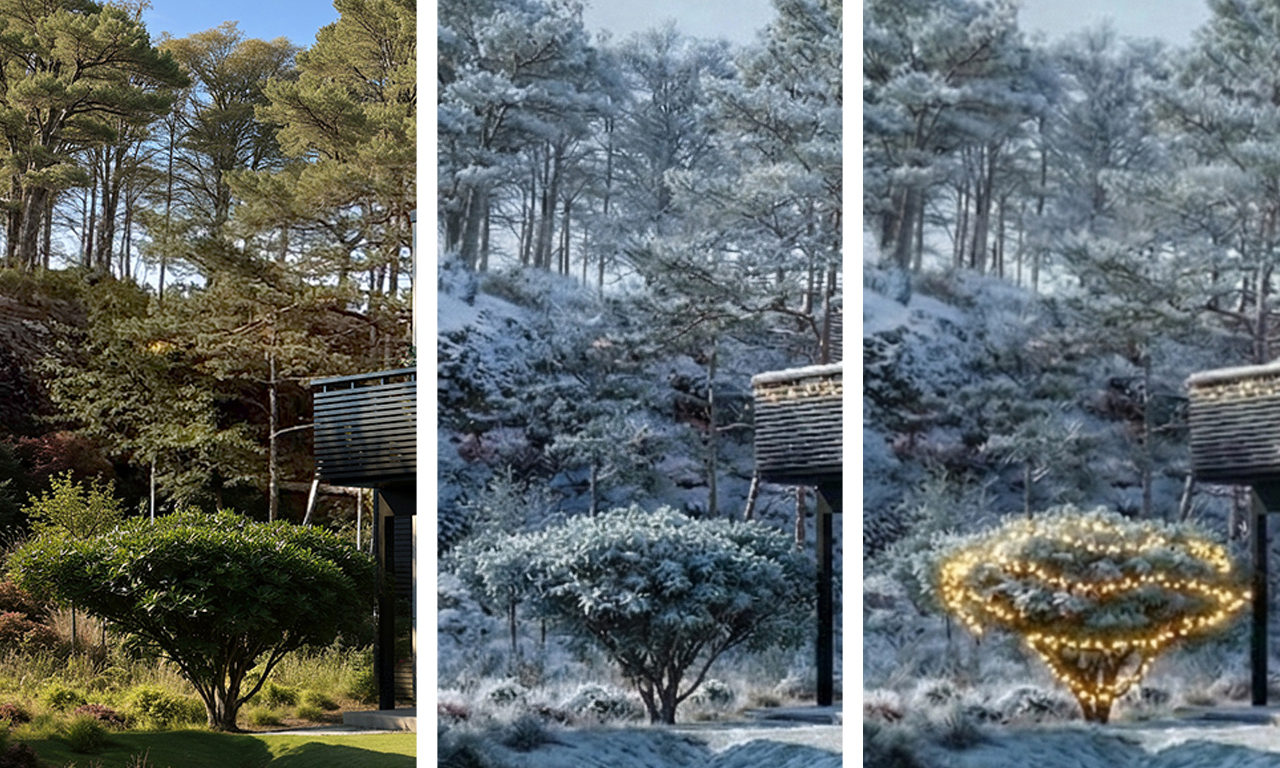
In our work we used generative image-to-image to add a winter mood and Christmas lighting to a finished architectural visualization. The workflow was cautious to begin with:
- low influence strength
- no geometry changes
- one step for winter, one for light
Even so, we saw a marked loss of image sharpness with every step.
The cause turned out not to be the change of subject itself - but the combination of regeneration and automatic resampling.
Most generative image models:
- interpret the image in an internal latent space
- work at resolutions that are divisible by fixed blocks
- and return the image at this "native" resolution, not the original
When an image is first regenerated and then used as input again, double degeneration occurs:
- The image is regenerated (loss of microcontrast)
- The image is resampled (loss of high-frequency detail)
- The process repeats
The result is a fast and disproportionate loss of quality, even with otherwise conservative use.
A decisive move: pre-resampling
The decisive breakthrough in the tests came when we changed a single variable:
The original image was pre-resampled to the same resolution the model was going to return anyway.
In our case:
- original: 1920 × 1280
- pre-resampled: 2528 × 1696
The same combined prompt was then run in a single generative pass.
The result was clear:
The tools we used
To be perfectly concrete, the workflow consisted of three parts:
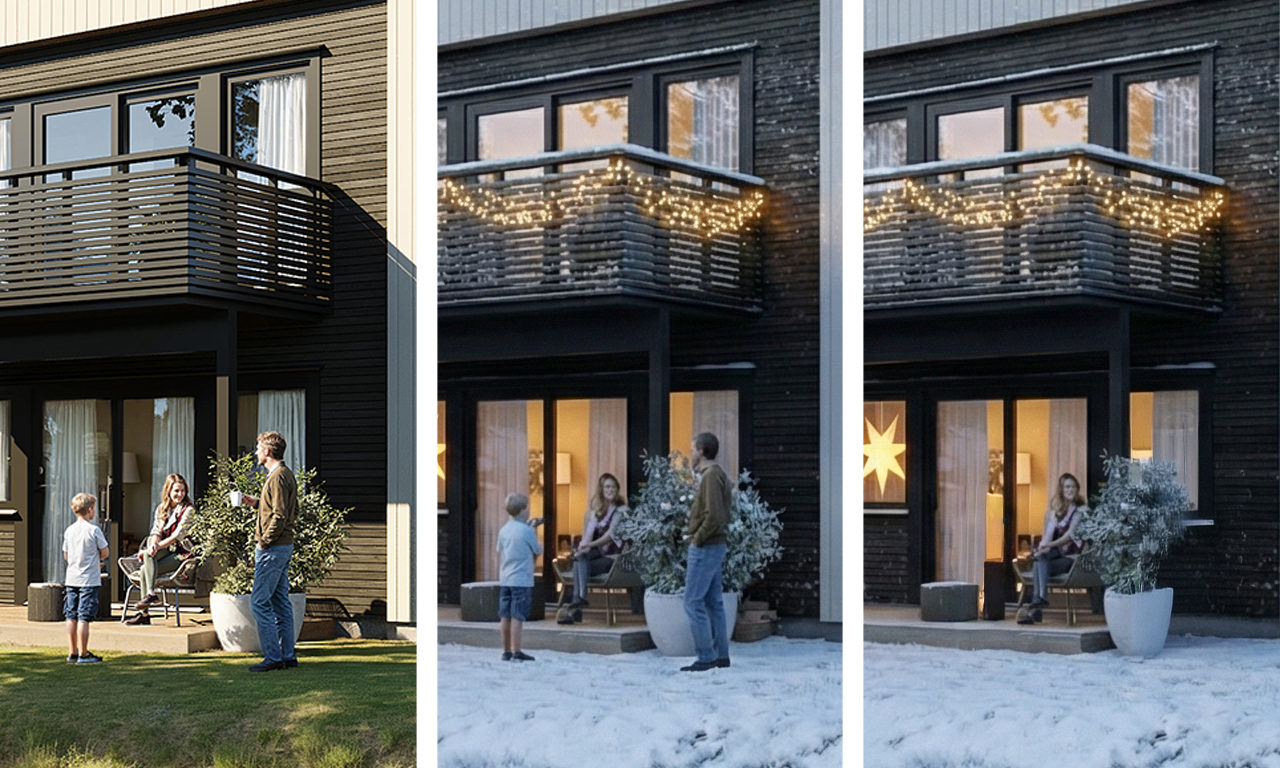
- GPT-5.2 Used to develop and refine precise prompts, with clear constraints on geometry, light, materials and image quality.
- NanoBanana Pro Used for the image-to-image generation itself: winter mood, lighting and seasonal feel.
- Adobe Firefly Used afterwards for minor, local adjustments and fine-tuning – not to regenerate the entire image from scratch.
This combination made it possible to draw a clear line between generative transformation and controlled post-processing.
What this means in practice
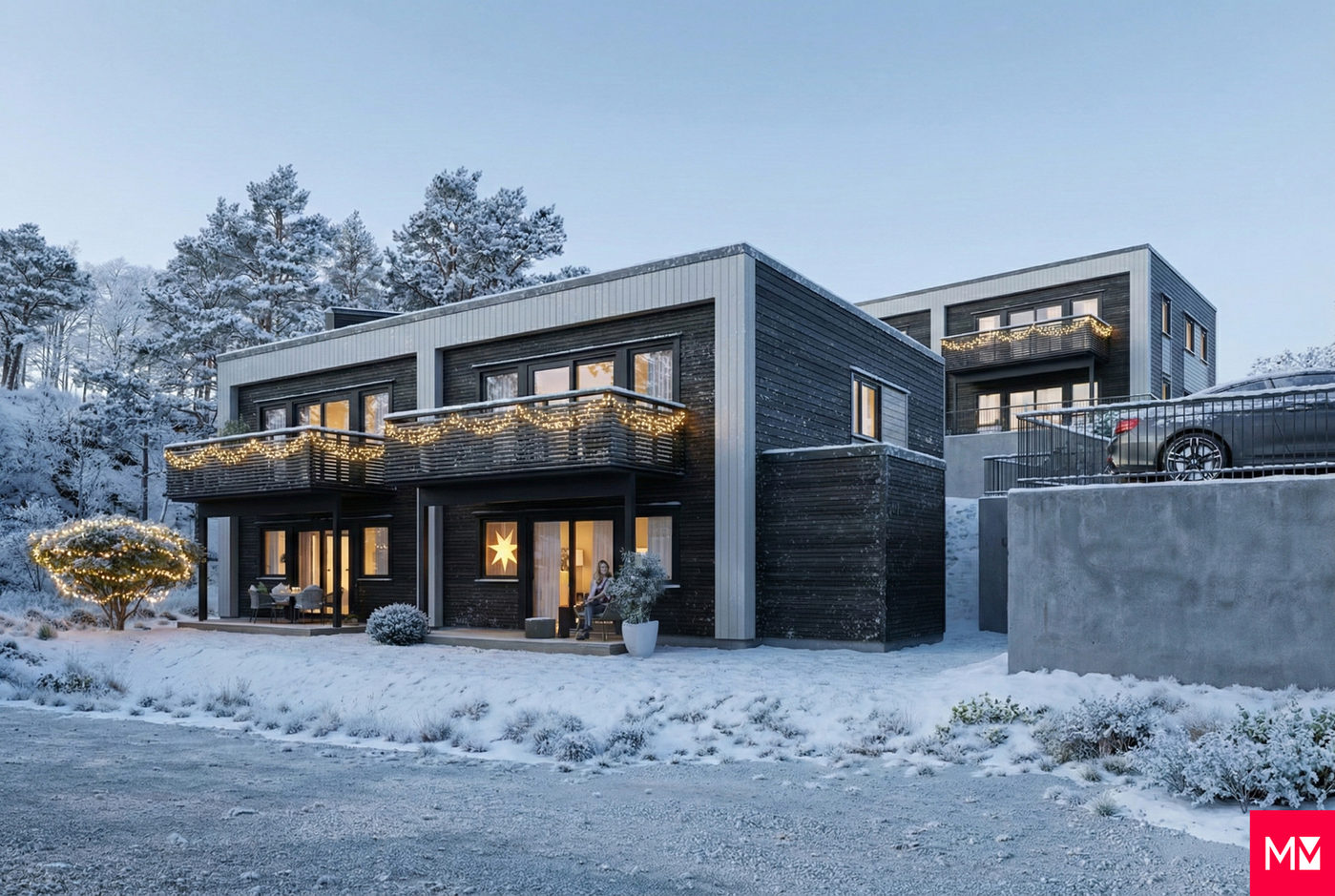
These experiences point to an important principle:
Generative AI is not lossless.
But much of the quality loss comes down to how we feed the tools, not necessarily the creativity of the prompts.
By:
- adapting the source material to the model's technical conditions
- reducing the number of generative steps
- bundling changes into a single pass
- and using post-tools like Firefly only for local adjustments
… AI can be used far more precisely, even in fields with high quality demands.
A sober conclusion
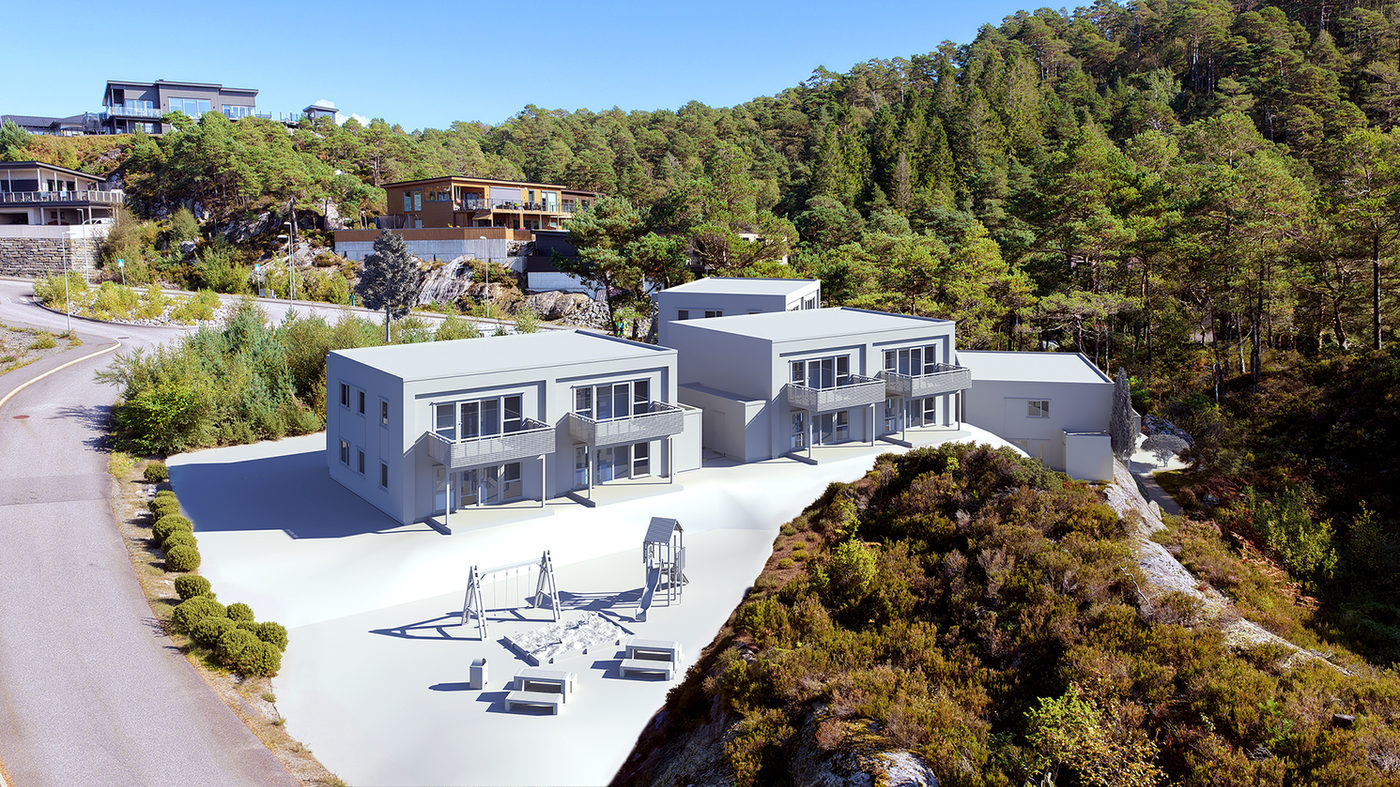
Generative AI is an effective tool for mood, light and seasonal feel in architectural visualization. But it is not neutral, and it is not lossless.
AI is generative but also, in a technical sense, degenerative.
The difference between a weak and a strong result rarely lies in hype or creativity alone, but in understanding how the images are actually processed under the hood - and in using the right tool for the right part of the process.
At Maestro Media we use AI as a supplement, not a shortcut - with the same demands for control, precision and professional responsibility as in the rest of our work.